Microsoft gives Copilot Notebooks a major upgrade
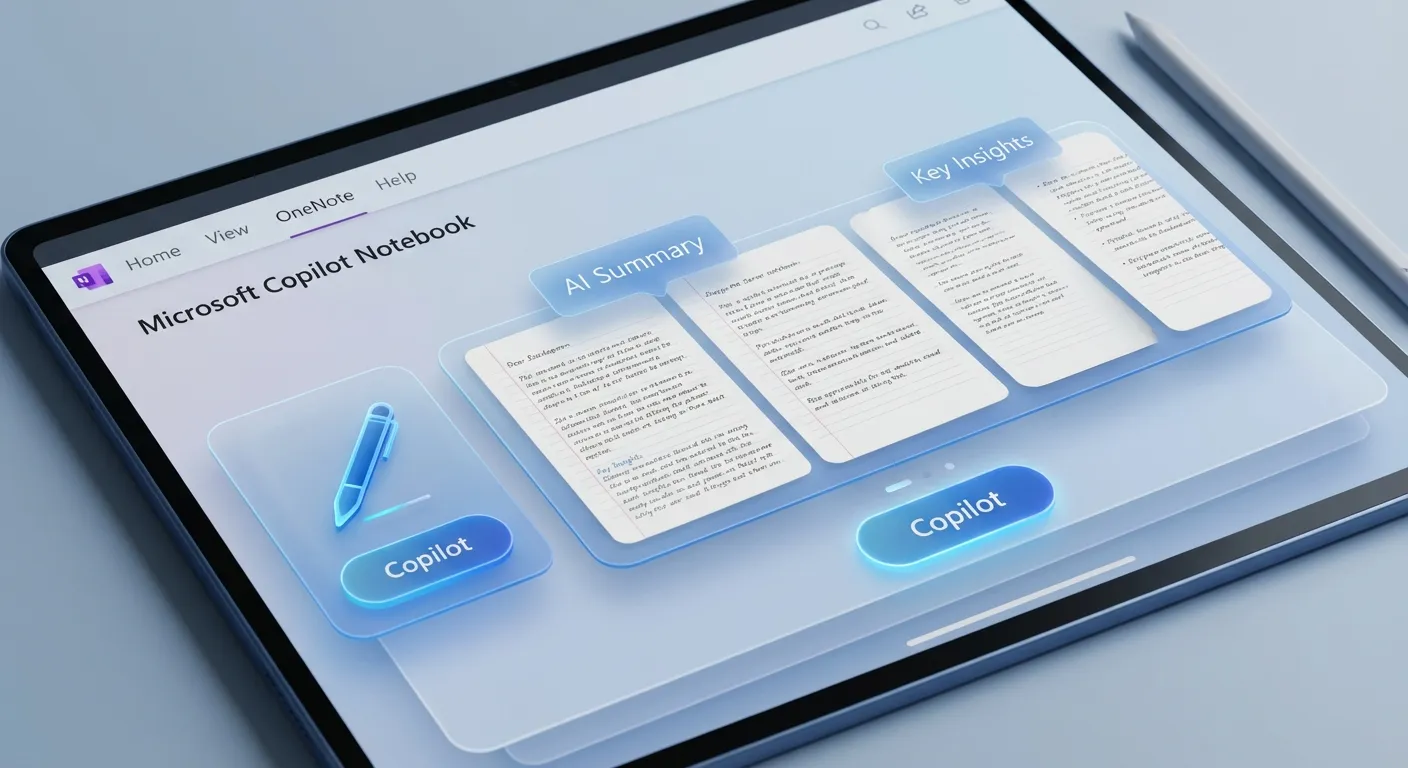

Microsoft has rolled out a significant redesign of Copilot Notebooks in Microsoft 365, with new features making it easier to work with complex projects and large volumes of information.
The new version supports a broader range of file types, including Word documents, Excel spreadsheets, and PDFs, all of which can be imported directly into the notebook. The interface has been redesigned with customizable layouts so users can tailor their workspace to specific needs, whether managing complex projects or organizing in-depth research.
Among the most useful new features is AI-driven content summarization that automatically condenses large volumes of data. There's also new chat functionality that lets users ask questions directly to notebook content and refine responses. Another new feature allows users to create quizzes and flashcards from notebook content, making Notebooks more relevant for e-learning and skills development.
Collaboration features have been strengthened with real-time editing and better integration with OneNote. It's a clear signal that Microsoft wants to position Copilot Notebooks as a core productivity tool, not just an add-on.
For organizations already in the Microsoft 365 ecosystem, this upgrade is worth paying attention to. The combination of file import, AI summarization, and collaboration features makes Notebooks a more complete tool for knowledge work.